Instapaper on IFTTT

Today, we launched a brand new Instapaper Channel on IFTTT with new triggers and an enhanced Save Item action. Now you can set up Recipes that run every time you save an article, send to archive, move to a folder, like an article, or create a highlight! Additionally the “Save Item” action allows you to save directly to a folder, so you can easily organize articles saved from Instapaper Recipes.
Typically, using Instapaper with external tools requires a subscription, but IFTTT is so valuable to our users that we are waiving that requirement. Proper IFTTT integration is something that you’ve been asking for and, without further ado, here are some awesome recipes we’ve put together for you:
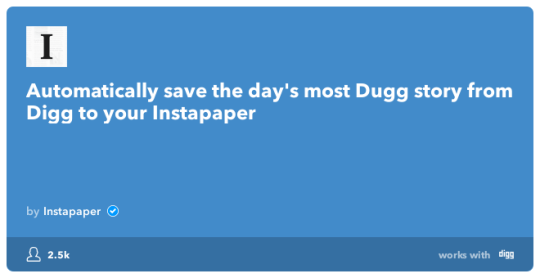
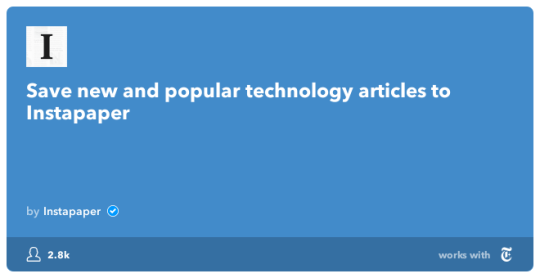
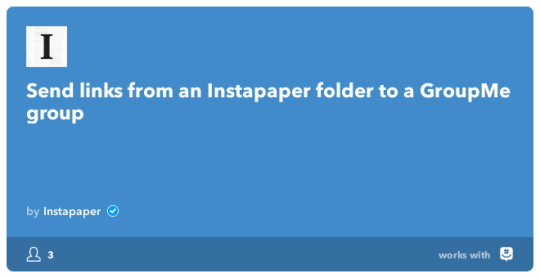
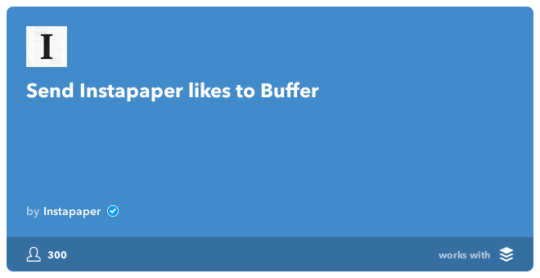
You can view the full list of Recipes we’ve created here: https://ifttt.com/p/instapaper
As of today IFTTT and Instapaper have deprecated the old Instapaper Channel. If you have set up IFTTT Recipes using the old Instapaper Channel, you’ll have to replace those with Recipes for the new Channel. It’s a minor inconvenience, but the new triggers and ability to save directly to an Instapaper folder make the switch very worthwhile.
As always please let us know if you have any feedback in the comments, on Twitter @InstapaperHelp, or via email to support@help.instapaper.com
Thanks!
Instapaper Team