Improving “Save to Instapaper”
In the year and a half since betaworks acquired Instapaper from Marco Arment, we’ve worked really hard to upgrade Instapaper’s user interface to a more modern look. From the website to iOS and Android, we’ve made great progress improving the interface and overall experience of Instapaper, but one really important piece of UI remained untouched. The save overlay:

There are some obvious issues with this save overlay:
-
The overlay obstructs the entire page.
-
It no longer fits Instapaper’s design & branding.
-
It doesn’t offer any functionality outside of saving the current page.
Today, we’ve updated the Instapaper bookmarklet, Chrome extension, Safari extension, and iOS app to resolve the above issues:

The new Instapaper overlay is unobtrusive, more consistent with Instapaper’s aesthetic, and allows you to move an article directly into a folder after saving it. The updated iOS app, browser extensions, and bookmarklet will update automatically, so you don’t have to do a thing to get the improved overlay, which we hope you’ll enjoy using as much as we do!
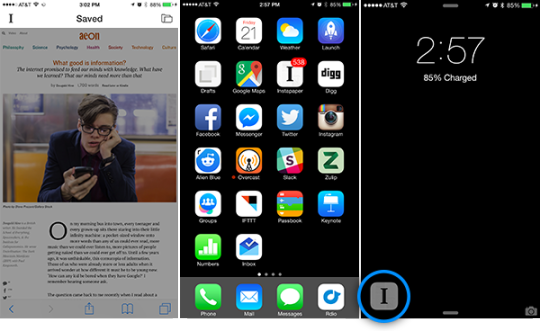
Instapaper iOS 6.1
In addition to the new save overlay on iOS, Instapaper 6.1 has two new features that are worth mentioning:
-
Unread counts to determine how many articles you have in “Home.”
-
Handoff support for seamlessly picking up where you left off on your iPhone, iPad, or the website.
Let us know your thoughts in the comments below, on Twitter @InstapaperHelp, or via email to support@help.instapaper.com
Thanks for using Instapaper!
- Instapaper Team