Introducing Notes
https://player.vimeo.com/video/129800846?title=0&byline=0&portrait=0
When we launched highlights in May 2014, the response was overwhelmingly positive. In the following year, we’ve had over 55 thousand users create over 1.1 million highlights!
From the moment we launched highlights, we’ve received frequent requests for the ability to comment on a highlight, and today we’re launching Instapaper Notes on iOS and web (with Android following shortly).
In true Instapaper fashion, we built Notes to be seamless and simple. Here’s how it works:
Creating a Note
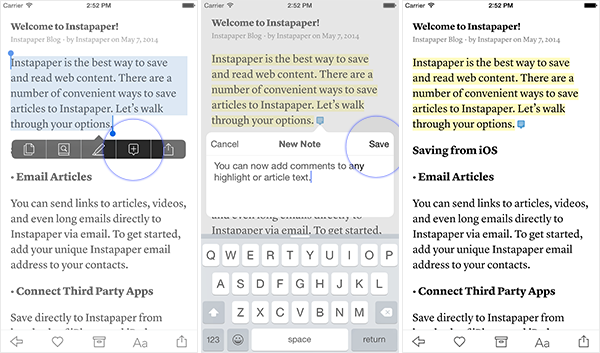
You can easily create a note by selecting some text, tapping the “Add Comment” option in the pop-up menu, entering your comment, and pressing the “Save” button:
Viewing a Note
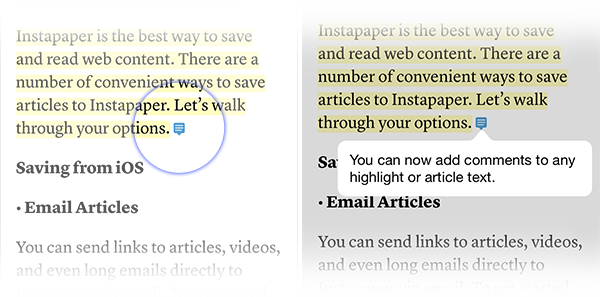
To view a note you created, just tap on the blue comment indicator directly in the article:
Editing a Note
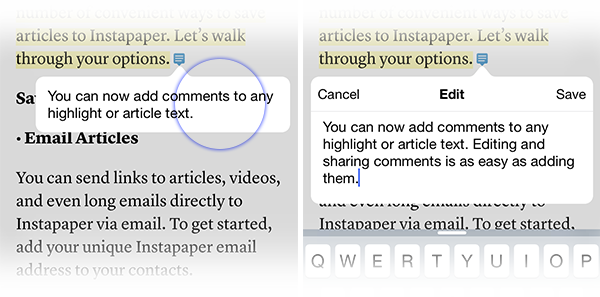
Editing your notes is as easy as tapping the comment overlay, making your changes, and pressing the “Save” button:
Deleting a Note
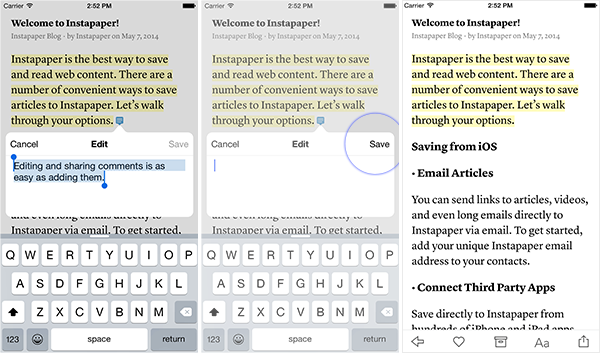
You can delete an entire note by tapping the highlighted portion and pressing “Remove”, or you can just delete a comment and leave the highlighted text in place by deleting all of the comment text and pressing “Save”:
Sharing a Note
To share a note just tap on the highlighted text and choose the service you’d like to share to:
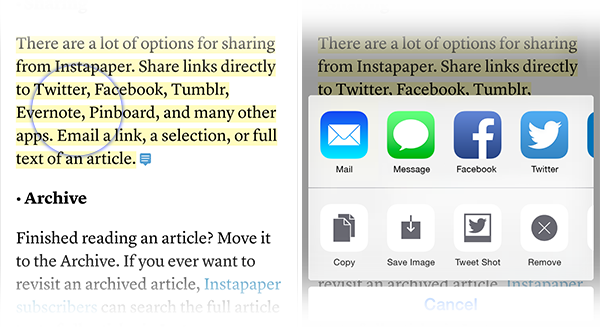
(Note: we also added Save Image so you can share images of the highlighted text to services other than Twitter!)
Share All Notes
Additionally, we added a button at the bottom of articles to let you share all notes for an article to an external service:
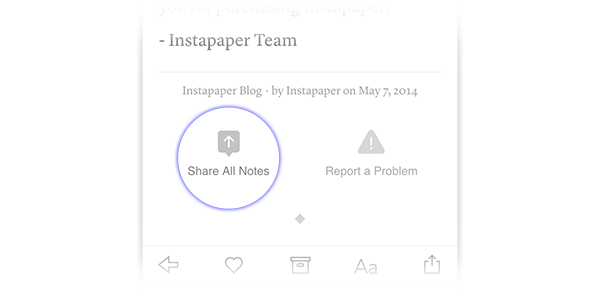
In beta testing we’ve had people create whole blog posts using only this feature and we’re really excited to see the creative ways people will utilize this feature!
New IFTTT Trigger
We also extended our IFTTT channel to include a “New Comment” trigger for when you create a comment in Instapaper. Your Instapaper Notes are comprised of your highlights and comments; however, we needed to create a separate IFTTT trigger for new comments due to restrictions on the platform. Any existing recipe for our “New Highlight” trigger will be unaffected by this change.
Here are some new IFTTT recipes we put together for you:
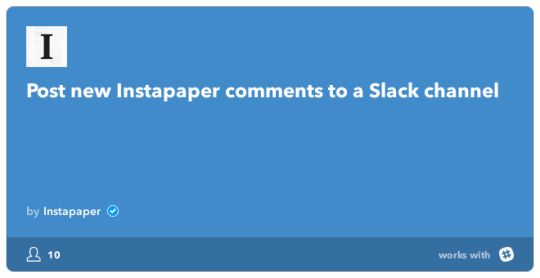
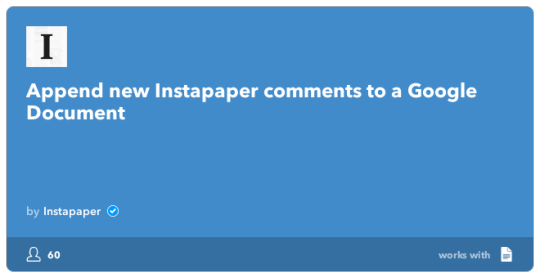
We’re really excited to see the first million notes be created! As always, thanks so much for using Instapaper!
- Instapaper Team