Instapaper iOS 7.8: Dark Mode, Improved Scroll Performance, and “Share Image”
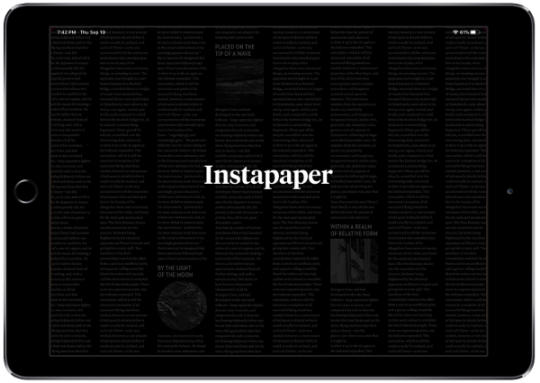
Today we launched Instapaper 7.8 for iOS 13. In the new version, dark mode will automatically turn on when you enable dark mode at the system level through iOS Settings > Display & Brightness > Dark mode. Disabling dark mode will return Instapaper to your non-dark mode theme. If you set your device to automatically go into dark mode, Instapaper will mirror the transition.
Additionally, we rewrote the article list to improve scroll performance, especially during large volume syncs. You should now see smoother scrolling in general, and especially while content is downloading.
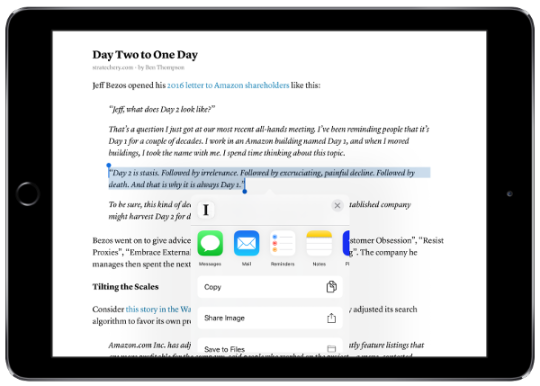
Lastly, we’ve expanded the “Tweet Shot” feature to be compatible with apps beyond Twitter. With the new “Share Image” option, you can now share an image of your highlight or text selection to any app (including Twitter, of course).
If you have any questions, feature requests, or issues you’d like us to sort out, please let us know at support@instapaper.com or @InstapaperHelp on Twitter. We love hearing from you and we thank you for using Instapaper!