Introducing Tags for Better Organization

We’re excited to announce that Tags are now live on all platforms—iOS, macOS, Android, Web, and Browser Extensions!
Tags offer more flexibility than folders when it comes to organizing your articles. With tags, you can assign multiple labels to a single article, making it easier to find exactly what you’re looking for later. Additionally, archived articles retain their tags, keeping everything organized long-term.
Both Folders and Tags will continue to be supported in Instapaper. We’ve already seen beta testers reorganize folders into top-level topics and use tags to organize within folders.
To make the migration to tags easy, we’ve added a feature to convert your folders into tags. Just go to instapaper.com, navigate to the folder, select Edit , and click Convert to Tag.
Tags are completely free to use! If you’d like to support Instapaper and unlock additional features, consider subscribing to Instapaper Premium.
Saving Improvements
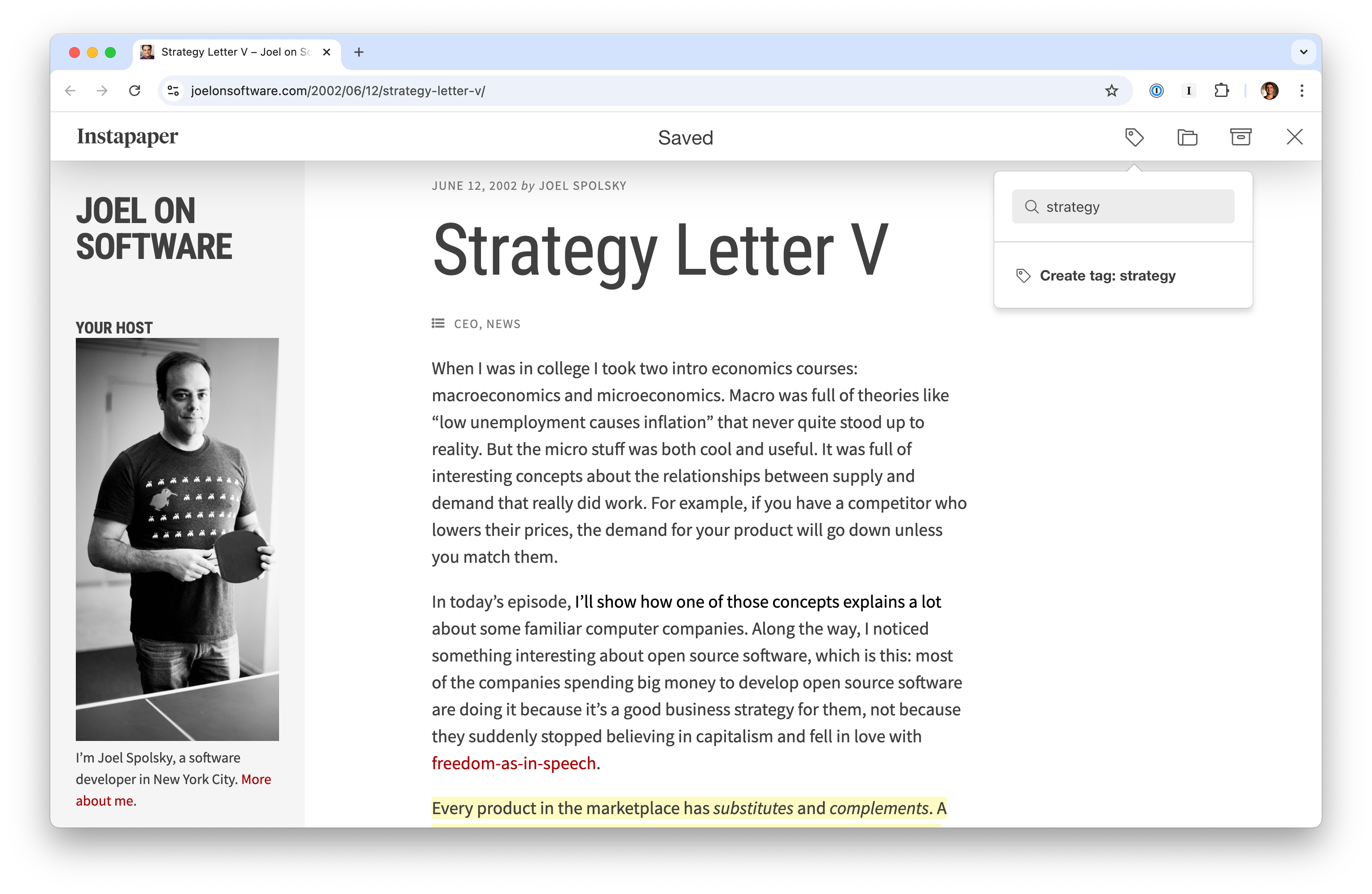
On all platforms, Instapaper supports saving articles with tags, organizing into folders, or moving saved articles directly to archive.
Tag Search
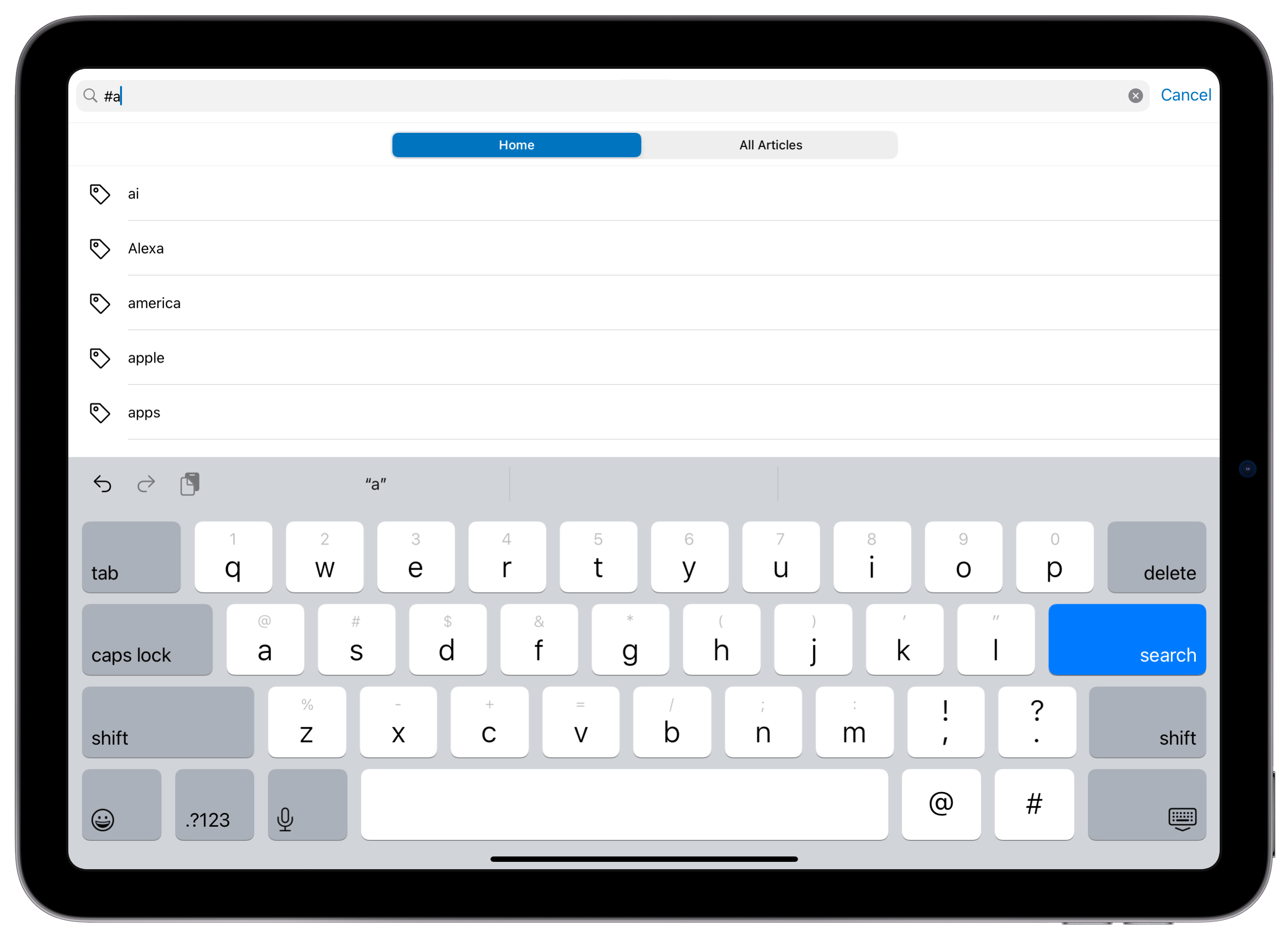
With Instapaper Premium, you can now search your articles by tags using the # symbol (e.g. #science will filter articles with the science tag). You can also search articles using multiple tags (e.g. #science #physics), and use full-text search terms alongside your tag filters (e.g. gravity #science #physics).
Importing Tags from other Services
When you import tagged articles from another service, Instapaper will automatically import those tags and add them to your articles.
Through the end of November, we’re offering a 2-month free trial for Instapaper Premium when you import from another service at instapaper.com/user.
Additional Features
This round of updates also includes the following features:
- From an article list, view your Notes on any article with one tap.
- Multi-select tagging is supported on iOS and web, making bulk organization easier. Android support coming soon!
- Export your tagged articles via RSS, PDF, or ePub on instapaper.com. Navigate to the tag > Tap your username on top right > Download.
- IFTTT channel updates include a new trigger when a tag is added to an article, and an improved save action that can save an article with multiple tags.
- Obsidian plugin syncs article tags on imported highlights and notes.
One More Thing: Multicolumn Support on iPad
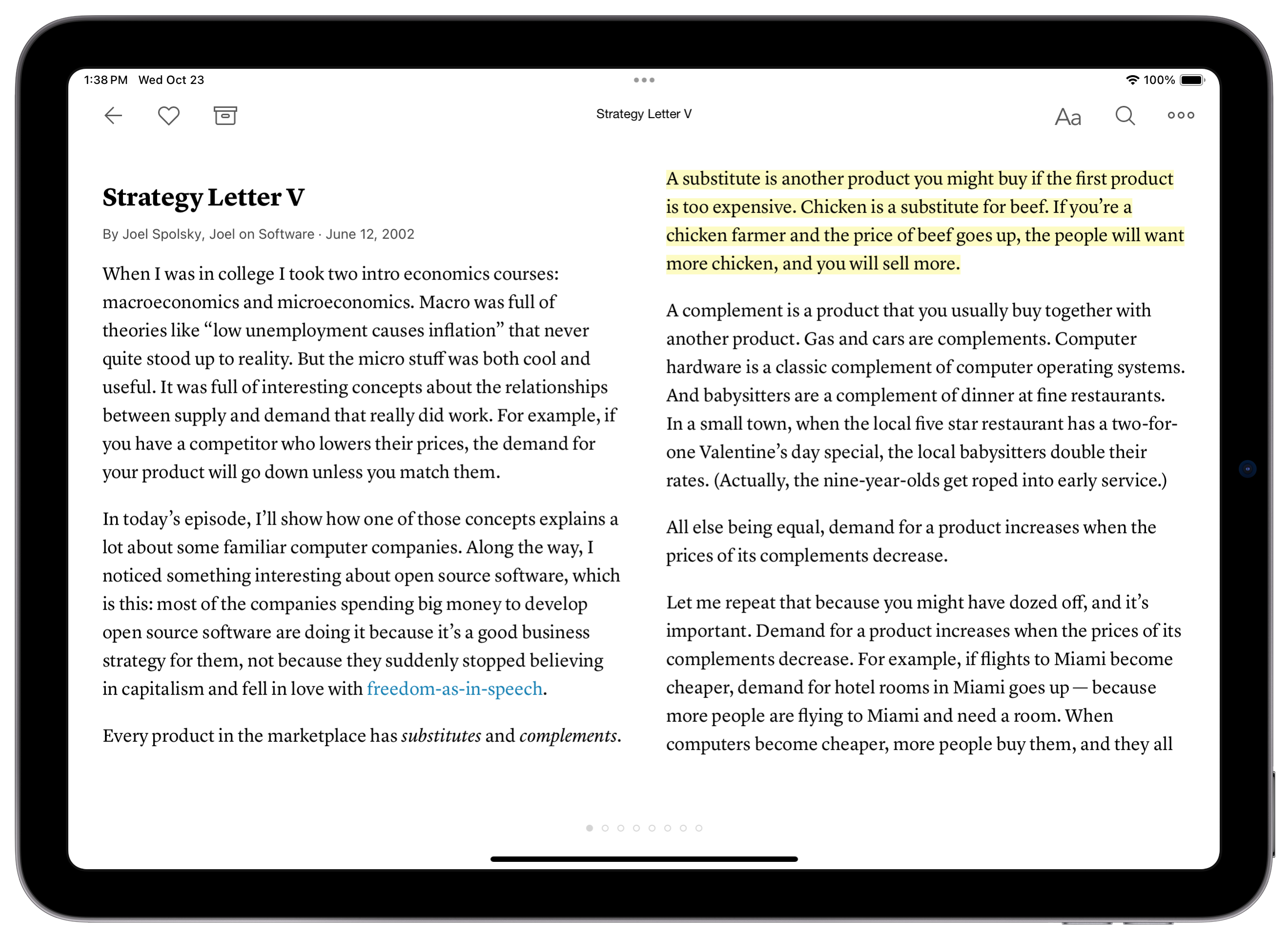
Multi-column support is being piloted in Instapaper 9 for iOS. Multicolumn layout is a great way to take advantage of the entire screen for reading on your iPad. You can enable it by navigating to text settings > Swipe Left > Multi-column (ON).
The team has been using it and really enjoying it! Based on feedback, we will explore launching it on Android tablet and instapaper.com.
Next Up
Over the next weeks & months, we’ll be focused on more core improvements to Instapaper, including…
- Parsing improvements, including for paywalled content.
- Advanced text-to-speech voices.
- Support for more types of content within Instapaper.
As always, our work is informed by your feature requests and feedback. Please drop us a message at support@instapaper.com with any feedback, or if you’re interested in beta testing the features above.
– Instapaper Team