Instapaper 9.1: Logged-In Sites, Paywall Detection, and Settings Redesign
Today, we’re launching Instapaper 9.1 for iOS and macOS, which includes support for Logged-In Sites, Paywall Detection, Settings Redesign, and more.
Logged-In Sites
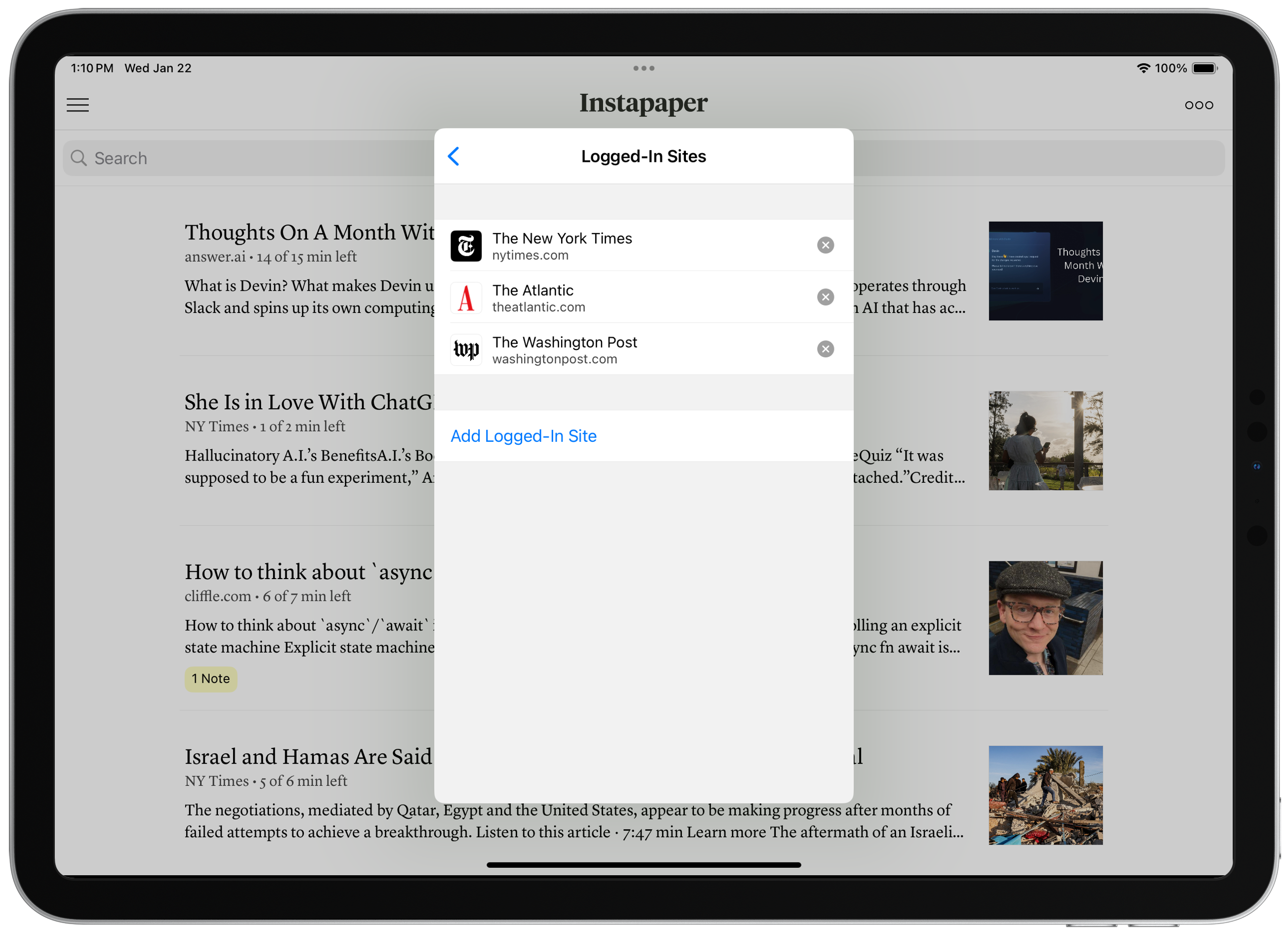
On Instapaper iOS and macOS, you can now sign in to websites directly within the app. When you’re logged into sites, Instapaper can more reliably retrieve and display complete articles.
Increasingly, we’re seeing more “hard paywalls” across the Internet, where publishers are preventing third parties from accessing content. Sometimes, this results in Instapaper only receiving part of an article and, other times, Instapaper is completely blocked from accessing any information including basic metadata (i.e. title, author, image thumbnail, etc.).
We support publishers in serving their content however they’d like. That said, paid subscribers of those publishers should be able to access that content in whichever browsers, apps, or user-agents they’d like.
To get started, navigate to Settings > Logged-In Sites > Navigate to website > Login with your credentials > Tap “Save Login”.
As a reminder, you can long press an article in the list to redownload it, or save new articles to get the full content.
Paywall Detection
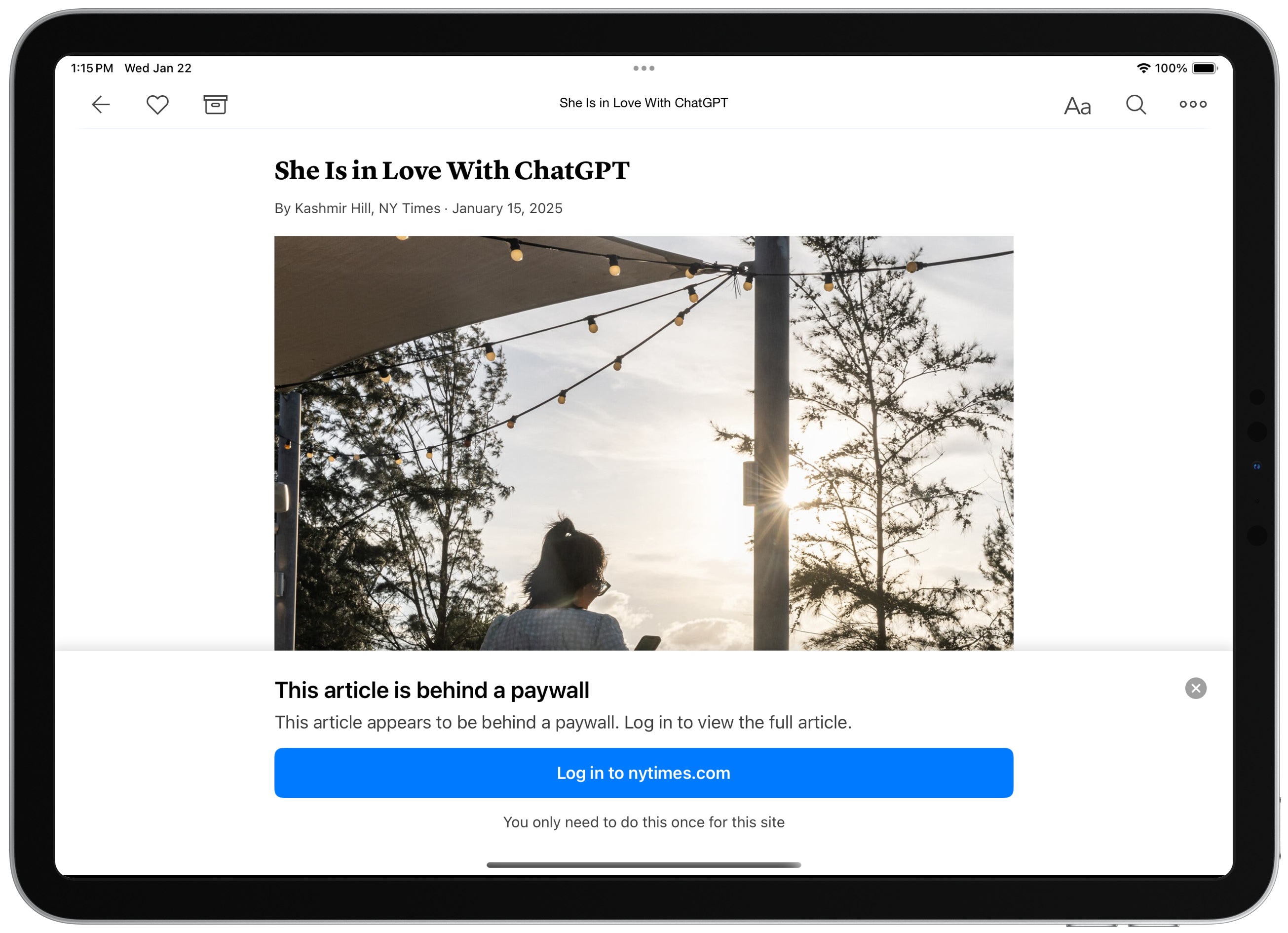
Our article parsers now detect paywalls and provide instructions for accessing the complete content when you have a subscription.
On iOS and macOS, you can use Logged-In Sites in order to access the paywalled content, and we prompt you to login to the website directly from the paywall notice.
On Instapaper.com, the best way to access the full content for a paywalled site is to open the article, ensure you’re logged in to the website, and use one of our browser extensions to save the article.
Settings Redesign
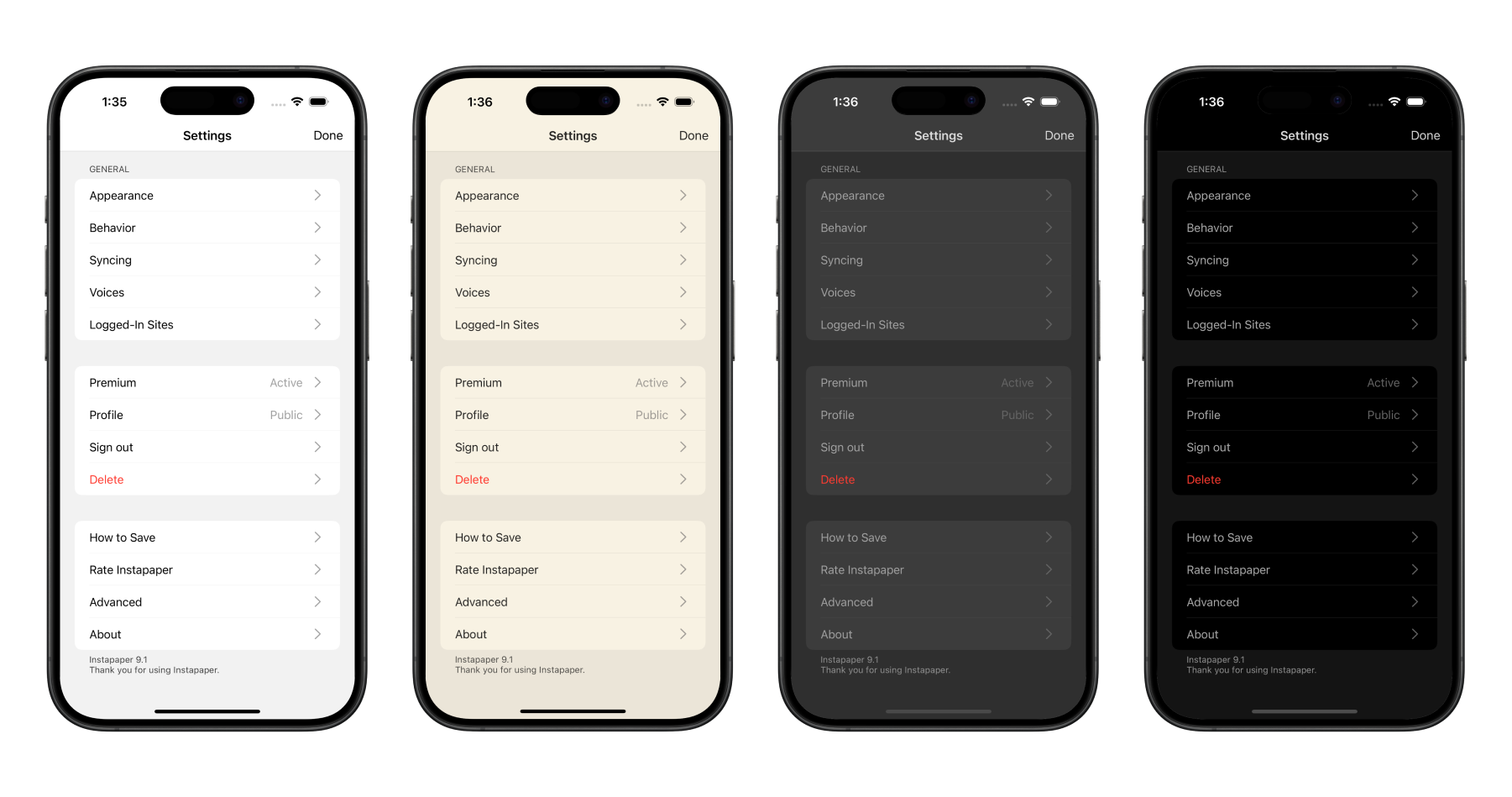
We re-wrote Settings on iOS and macOS to conform to the app theme, improve the organization of Settings pages, and make it easier for our team to add and manage Settings.
We also added three new settings in Settings > Behavior to customize Instapaper further:
- Save Delay: Adjusts the amount of time that the Save screen shows. You can set this to “None” to have it disappear as quickly as possible.
- Auto-Lock: Prevents your screen from locking in reader when disabled.
- Line Breaks in Code: Prevents line breaks in code blocks when disabled.
Other Improvements
We’re also launching a number of other fixes and improvements, including…
- Fixed issue where article information was not showing on lock screen when using text-to-speech Playlists.
- Improved Full Screen Image Viewer on all platforms, but big improvements to iPad and macOS.
- Improvements to device rotation on iPad, and reduced crashing.
- Other minor fixes and improvements.
We’re in the process of building Logged-In Sites support on Android, if you’d like to help beta test please drop us an email at support@instapaper.com
As always, our roadmap is informed by your feature requests and bug reports. Please don’t hesitate to reach out to support@instapaper.com with any requests, questions, or concerns.
– Instapaper Team